Click a "Splash" Photo - Take Snapshots!
Use a camera or smartphone to capture splash photos of drops hitting water, experimenting with timing, lighting, and color to learn about motion and photography.


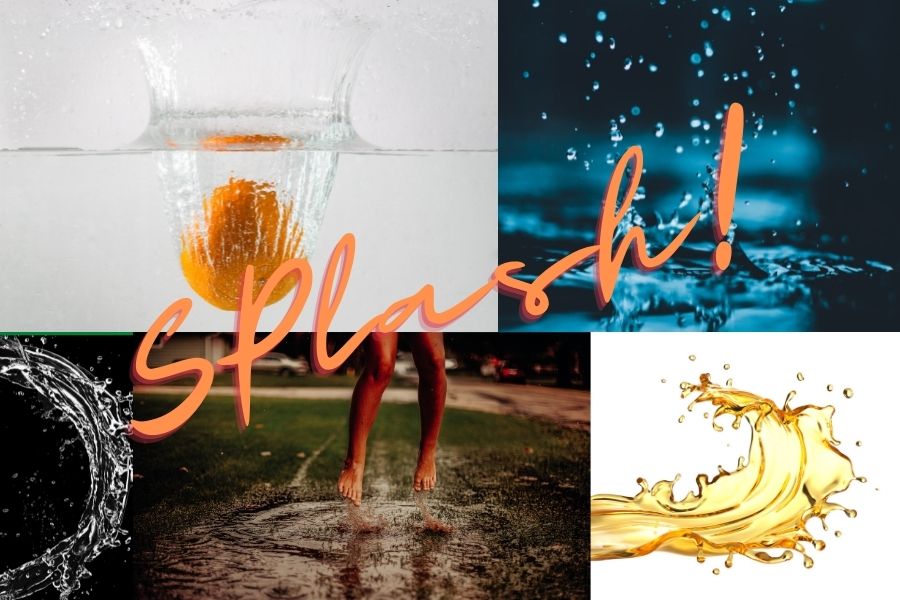

Step-by-step guide to Click a "Splash" Photo - Take Snapshots!
Step 1
Lay a towel flat on a table to catch any spills.
Step 2
Tape or prop the white paper or colored card vertically where the background will be behind the bowl.
Step 3
Put the shallow bowl on the paper in the middle of your workspace.
Step 4
Fill the bowl about halfway with water.
Step 5
Pour a tablespoon of water into the small cup.
Step 6
Add 2 drops of food coloring to the small cup and stir gently to mix the color.
Step 7
Suck the colored water into the eyedropper or prepare the spoon with a tiny amount of colored water.
Step 8
Place your camera or smartphone on a steady surface pointed at the bowl so you can see the splash area on the screen.
Step 9
Set your camera or smartphone to burst or continuous mode or choose the fastest shutter/frame-rate available.
Step 10
Turn on the flashlight or desk lamp and aim the light so it shines on the splash area from the side or slightly behind the bowl.
Step 11
Ask an adult or friend to press and hold the camera shutter button so the camera is ready to take many photos quickly.
Step 12
While the shutter is held, squeeze one colored drop from the eyedropper into the center of the bowl to make a splash.
Step 13
Repeat dropping with different timing and colors to capture lots of different splash shapes.
Step 14
Pick your favorite photos and share your finished splash photos on DIY.org.
Help!?
What can we use if we don't have an eyedropper, food coloring, or white paper?
Use a clean plastic straw or medicine syringe instead of the eyedropper, mix washable liquid watercolors or diluted juice in the small cup as a food-coloring substitute, and tape a sheet of printer paper or a cereal-box panel vertically as the background.
Why are my photos blurry or missing the splash?
Make sure your camera or smartphone is on a steady surface and set to burst/continuous mode while an adult holds the shutter, turn on and angle the flashlight or desk lamp from the side or slightly behind the bowl for more light, and try dropping the colored water from a little higher into the bowl to make bigger, easier-to-capture splashes.
How can we adapt the activity for different ages?
For preschoolers, have an adult handle the camera, use a spoon to drip larger drops and only one or two colors while practicing counting splashes, and for older kids try smaller eyedropper drops, faster shutter/frame rates, and experimenting with different colored cards and lighting.
How can we extend or personalize our splash photos?
Try adding a drop of dish soap or a bit of milk to the bowl for different splash shapes, sprinkle a little glitter in the colored drops, change the colored card background for contrast, and make a collage of your favorite photos to share on DIY.org.
Watch videos on how to Click a "Splash" Photo - Take Snapshots!
How to use Snapshots in Photoshop
4 Videos
How to use Snapshots in Photoshop

How to Use the Adobe PDF Snapshot tool to take a Snapshot in PDF using Adobe Acrobat Pro DC

Take Snapshot - Adobe After Effects Tutorial

After Effects CC: How To Take Snapshots
Facts about photography for kids
📷 High-speed photography can freeze motion in a fraction of a second — sometimes as fast as 1/10,000th of a second!
💧 A single water drop hitting a pool can create a crown splash and dozens of tiny satellite droplets.
⚡ Short flash or strobe pulses (microseconds) often give sharper splash photos than just using super-fast camera shutters.
⏱️ Using a dropper, pipette, or a simple timed trigger makes the splash moment much easier to predict and capture.
🌈 Adding food coloring, colored LEDs, or a bright background turns splash photos into colorful, magical shapes.
How do I capture splash photos of drops hitting water?
What materials do I need to click splash photos at home?
What ages is splash photography suitable for?
What are the benefits of splash photography for children?
